What is a Plugin?
Last updated
A Plugin is a software component that adds new functionality to an existing application without modifying the application’s core code. Instead of waiting for a feature to be built into the platform, you build a Plugin yourself—or install one someone else has built—and the host application loads it at runtime.
You encounter Plugins throughout everyday software: browser extensions that block ads or save passwords, editor extensions that add language support in VS Code, or map overlays that layer custom data onto a base map. In every case, the pattern is the same: a self-contained package of code that plugs into a well-defined interface and extends what the host application can do.
Plugins in Re:Earth Visualizer
Section titled “Plugins in Re:Earth Visualizer”In Re:Earth Visualizer, a Plugin extends what the platform can do by adding custom UI, controlling the scene, or working with its data. A Plugin arrives as a packaged bundle of code and configuration files that you add to a project.
Once installed, a Plugin provides its functionality through one or more extensions—the individual units that make up what a Plugin can do inside the Visualizer interface. Extensions come in three types: Widget, InfoboxBlock, and StoryBlock. Each type serves a different purpose and appears in a different part of the interface.
At the system level, a Visualizer Plugin is a collection of extensions that adds capabilities without changing the core application, using a two-part WebAssembly-and-iframe architecture. See Differences between extension types for a full breakdown.
What Plugins enable
Section titled “What Plugins enable”Plugins let you go beyond the built-in capabilities of Re:Earth Visualizer without touching the platform’s source code. Specifically, you can:
- Display data from external APIs or services directly on the map or in the infobox.
- Build custom interactive controls for your scene, such as filters, sliders, or search inputs.
- Enrich feature selection with context-aware content that draws from the selected layer’s data.
- Add narrative elements to story pages that respond to data rather than presenting static content.
- Automate actions within Visualizer in response to user input or real-time events.
Example use cases
Section titled “Example use cases”Navigation controls
Section titled “Navigation controls”A navigation Widget gives users on-screen button controls to move the camera in any direction, return to the default view, and zoom in or out. It provides a more intuitive alternative to keyboard shortcuts or direct globe manipulation.
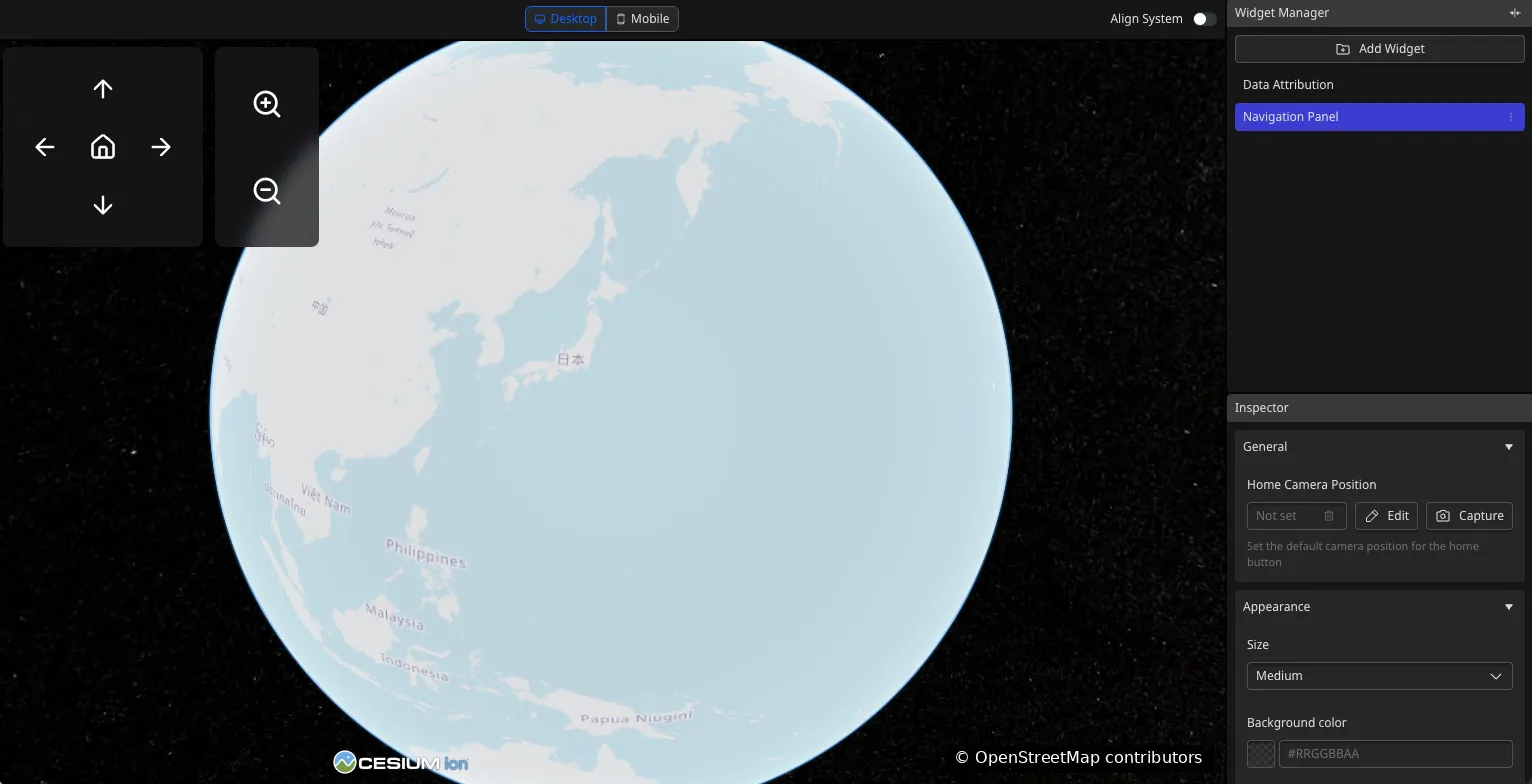
Map data from OpenStreetMap.
Image overlay
Section titled “Image overlay”This Widget displays a configurable image with a caption directly on the map. The image URL and caption text are set through the Inspector panel, so they can be updated without touching the Plugin code.
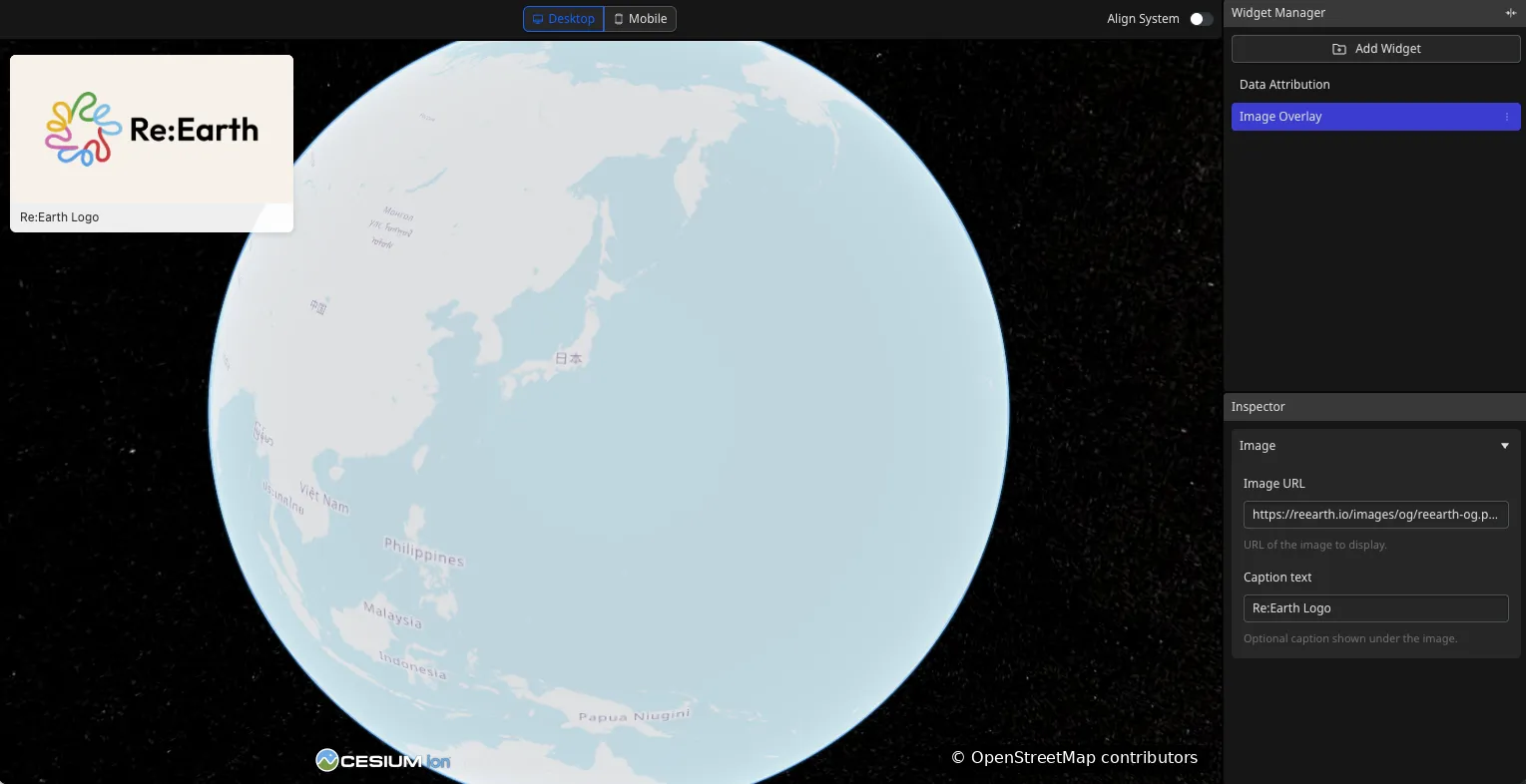
Map data from OpenStreetMap.
Live weather display
Section titled “Live weather display”A weather Widget fetches real-time conditions for a specified location and shows the temperature, weather state, humidity, wind, and last updated time directly on the map view.
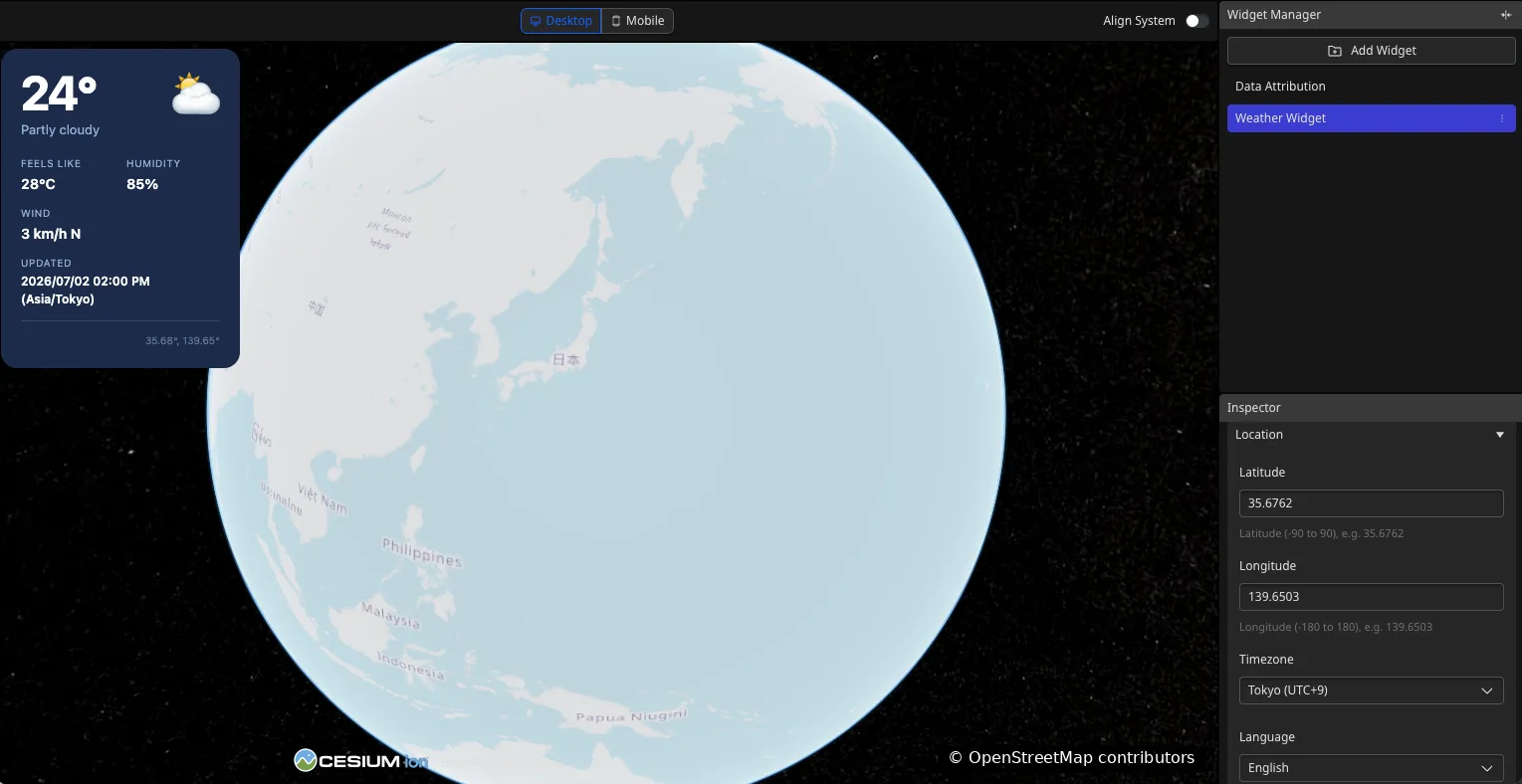
Map data from OpenStreetMap.
Camera bookmarks
Section titled “Camera bookmarks”This camera bookmarks Widget lets users save named locations and instantly fly the camera to any saved position with a single click, allowing quick navigation between points of interest in a large scene.
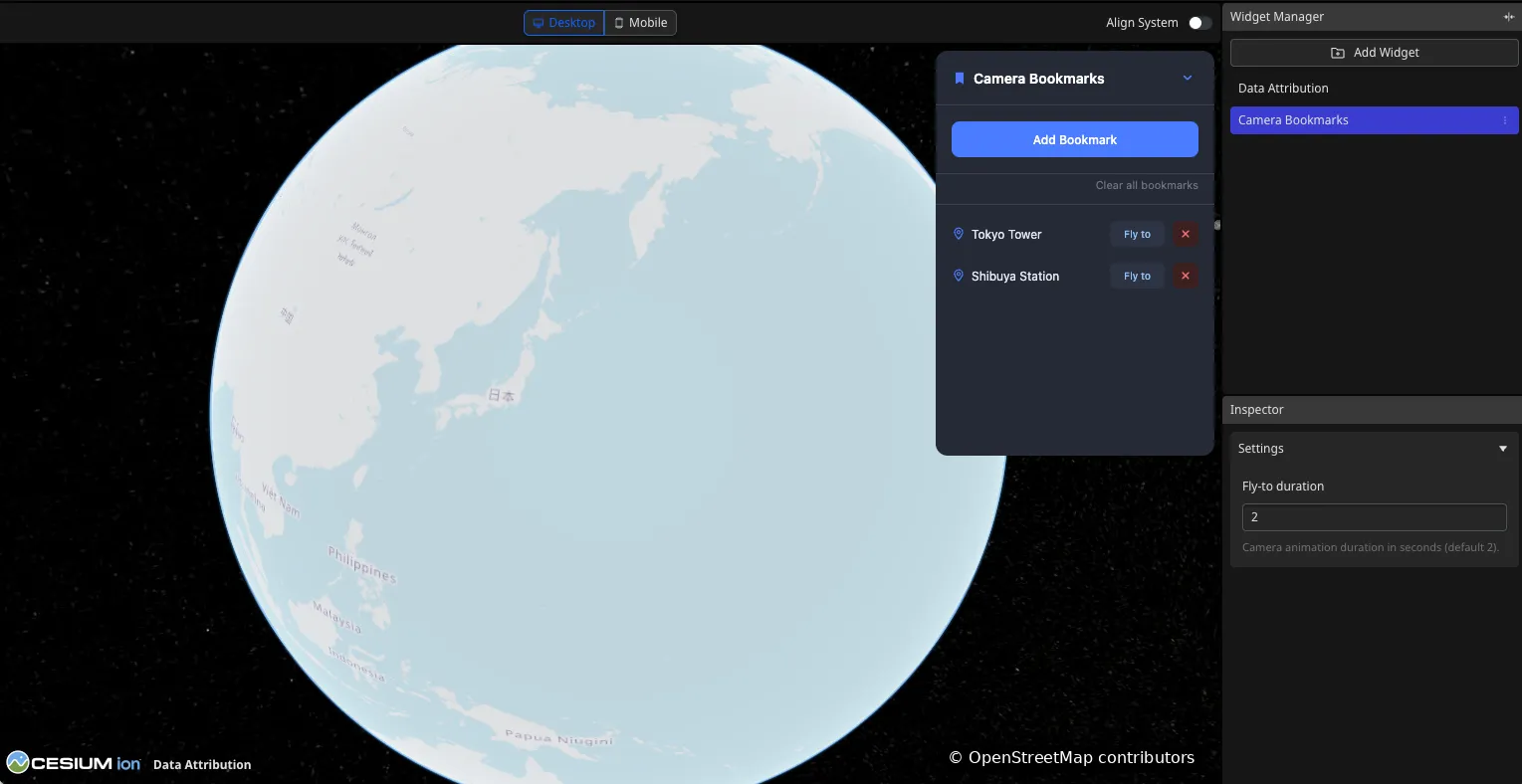
Map data from OpenStreetMap.