Registering local files as assets with Integration API
Last updated
This guide explains how to register a local image or file as an asset in Re:Earth CMS. Once registered, a file can be referenced from item fields or delivered via Public API.
Sample code
Section titled “Sample code”curl -X POST \ 'https://api.cms.reearth.io/api/<workspace>/projects/<project>/assets' \ --header 'Authorization: Bearer <your_integration_token>' \ --form 'file=@/path/to/file.jpg'An example combined with a browser file-selection form.
<!DOCTYPE html><html lang="en"><head>  <meta charset="utf-8" />  <title>Asset upload</title></head><body>  <input type="file" id="file-input" />  <button id="upload-btn">Upload</button>
  <script>    const WORKSPACE_ID = "<workspace_id_or_alias>";    const PROJECT_ID = "<project_id_or_alias>";    const TOKEN = "<your_integration_token>";
    const url = `https://api.cms.reearth.io/api/${WORKSPACE_ID}/projects/${PROJECT_ID}/assets`;
    document.getElementById("upload-btn").addEventListener("click", async () => {      const file = document.getElementById("file-input").files[0];      if (!file) return alert("Please select a file");
      const formData = new FormData();      formData.append("file", file);
      const resp = await fetch(url, {        method: "POST",        headers: {          Authorization: `Bearer ${TOKEN}`,        },        body: formData,      });
      if (!resp.ok) {        const text = await resp.text();        throw new Error(`HTTP ${resp.status}: ${text}`);      }
const asset = await resp.json(); alert(`Upload complete: ${asset.name}`); }); </script></body></html>Result
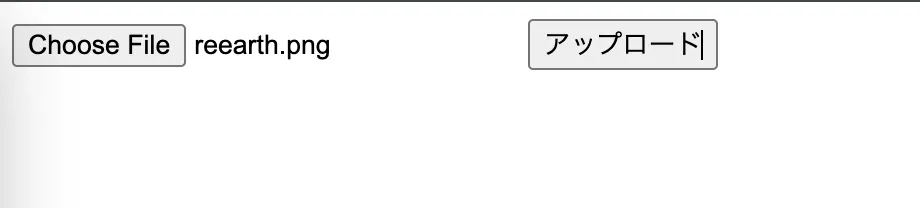
Section titled “Result”Select a file with the simple upload form and run the upload.
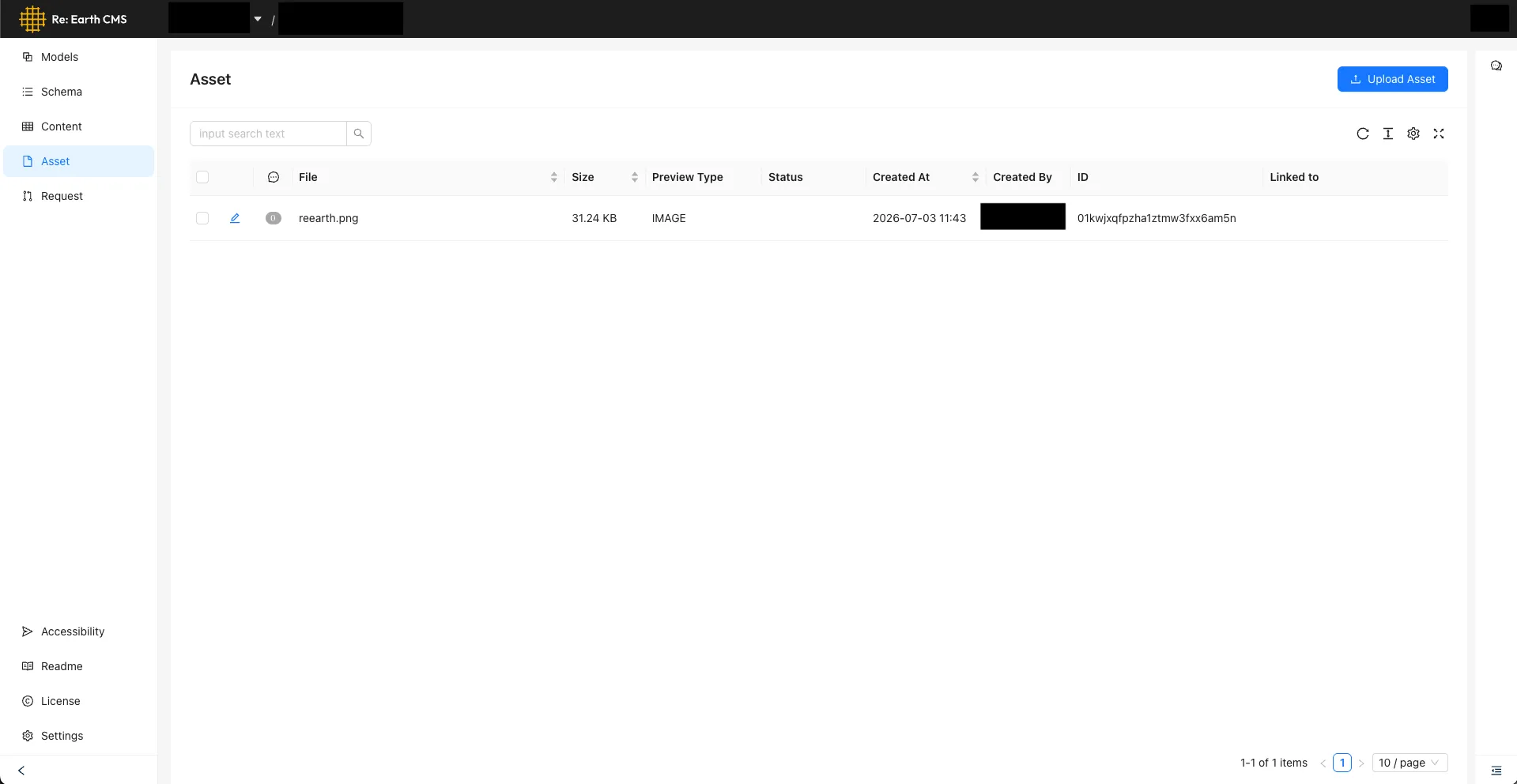
The asset is registered via Integration API and appears on the CMS’s Asset screen.
For the full endpoint specification, see Integration API Reference.